STAT 440 Fall 2026 Syllabus
Written on August 22nd , 2026 by Christopher Kinson
STAT 440 Statistical Data Management
Fall 2026
3/4 Credit Hours - Major Elective
Sections 1UG/1GR and 2UG/2GR
Table of Contents
About the Course
Statistical Data Management is a focused data science course that aims to covers aspects of the Extract, Transform, and Load (ETL) paradigm with an expectation of reproducibility. Additionally, the course covers data visualization as an exploratory and useful practice for budding data scientists. By reproducible, we mean, verifiable by any computer running the same exact code and receiving the same exact result as the original source. Students must have a functioning, laptop with up-to-date software that they bring to class each day. This course includes lectures, group discussions, notes, readings, and assignments in digital and oral formats. The classroom space and time will be primarily for discussion and doing the tedious work of data science.
The expectation is that students will gain mastery in exploring, organizing, designing, creating, storing, cleaning, wrangling, sharing, visualizing, loading, using, and interpreting data, all of which are commonly done prior to data analysis. Creative and critical thinking and efficient coding will be encouraged. It is imperative that students ask questions and bring their curiosities to the classroom.
There are daily discussions and in-class exercises, two skills-based computer and oral exams, one final-portfolio, and one data science job simulation. The expectation is that learners gain mastery of coding and data wrangling appropriate for the disciplines of statistics and data science. Concepts covered in this course build upon each other. The two skills-based computer and oral exams are timed and take place during class time. The data science job simulation is a one-on-one with the Instructor and graded for mastery and effectiveness in completing tasks and answering conceptual questions in an improvised format. The final portfolio is a collection of published documents to showcase knowledge, coding methods, and presentation skills.
About the Instructor
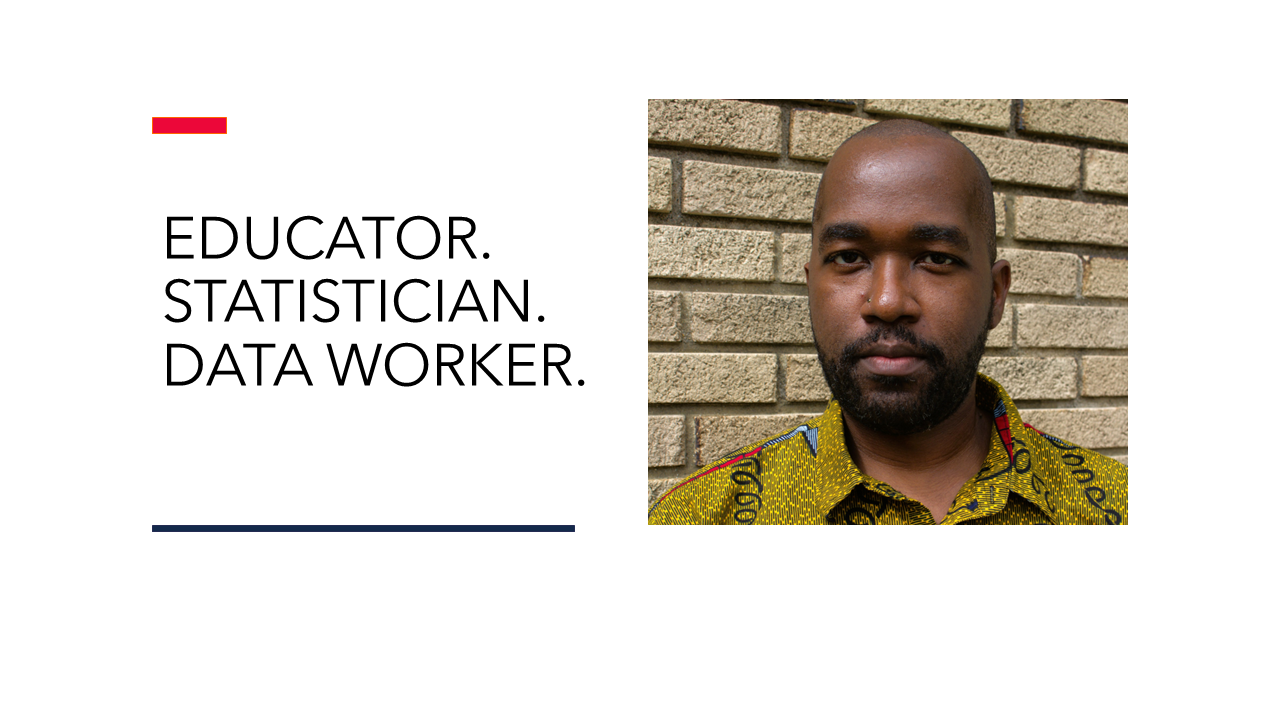
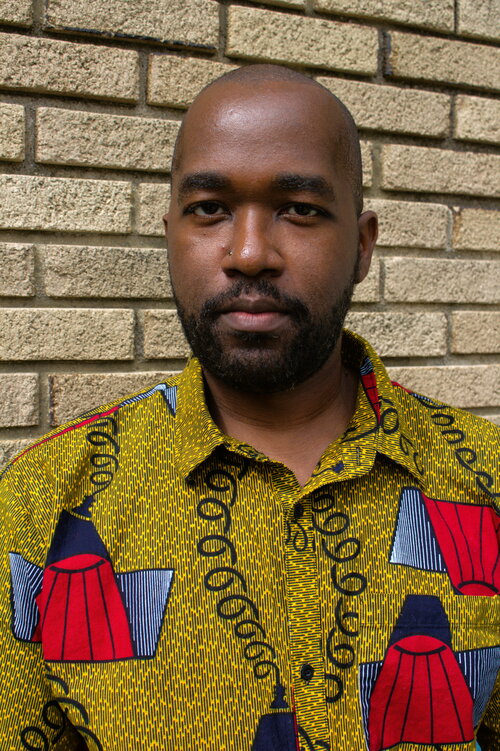
Christopher Kinson is the Instructor. His email address is kinson2@illinois.edu. He is a Teaching Associate Professor in the Department of Statistics. His bio and more information about him may be found at chriskinson.com.
Learning Objectives
These learning objectives are important because they connect the physical know-how with the technical knowledge of the course.
- Students will assess effectiveness, organization, and intent from a published data set
- Students will explore data sets of various types
- Students must design well-organized, clean data sets for the purpose of data analysis
- Students will present and submit data management work that is reproducible.
- Students must demonstrate critical thinking and creativity through asking questions about a given data set
- Students must be able to explain and summarize data wrangling code
- Students will share and discuss data management ideas, coding snippets, and other thoughts to aid in meaningful dialogue
- Students must recall important data management concepts
- Students will reflect on their own learning of data management principles
- Students will build data wrangling tools, apps, and dashboards.
- Students will collaborate on in-class assignments.
- Students will reproduce and replicate data visualizations.
Course Specifics
Prerequisites
The prerequisites for this course are the following:
-
STAT 400 or STAT 409
-
A laptop with most up-to-date versions of R and RStudio installed. If using a netbook or Chromebook, please setup an Posit Cloud account.
-
Operating knowledge of computers such as locating a file, creating a directory, saving a file, compressing a file, extracting a compressed file, keyboarding, and fundamental troubleshooting.
-
Operating knowledge of R such as understanding various object types, mathematical and logical operators, and value types and their coercion, as well as creating user-defined functions and fundamental R troubleshooting
Meeting Schedule
- For section 1UG/GR, the class meets at 2:00 pm - 2:50 pm in Room 2101 of the Everitt Laboratory on Mondays, Wednesdays, and Fridays.
- For section 2UG/GR, the class meets at 4:00 pm - 4:50 pm in Room 2233 of the Everitt Laboratory on Mondays, Wednesdays, and Fridays.
The Everitt Laboratory is located at 1406 W Green St, Urbana, IL 61801.
Expectations
All students are expected to fully participate in class regularly and to do the following before coming to class each week:
- read the course notes and readings
- practice data wrangling and coding
- review personal annotations
- create and answer relevant study materials with the assistance of AI tool(s)
Office Hours
Office hours will be in-person Everitt Laboratory in the main lobby on the first floor on Wednesdays and Fridays, 2:55 - 3:55 pm.
If a student has a specific question, but cannot attend the office hours, then that student should post their question in the discussion board. If a student wants one-on-one assistance from the Instructor at an alternative time, then that student should email the Instructor in order to schedule a Zoom meeting.
My office is technically located at Office #37 at 703 S Wright St, Champaign, IL 61820, but I am not always there.
Textbooks
There is no required textbook, but students may find the texts below to be helpful. These are all free and accessible to students for further reading. The Instructor may refer to certain sections of these texts in the course content. The asterisk * means these are accessible from the University Library as E-books.
- *Data Wrangling with R by B. Boehmke
- R for Data Science by H. Wickham, M. Çetinkaya-Rundel, and R. Grolemund
- Mastering Shiny by H. Wickham
- RStudio Cheatsheet
- RMarkdown Cheatsheet
- Shiny Cheatsheet
- *Learning SQL by Beaulieu
- Tableau Tutorial
Software
The course expects students to already have a fundamental understanding of R. It is recommended that students with no familiarity in R understand that this course will not discuss fundamental concepts of R. The following are download and install links to the software typically useful for this course. As with any software, it is imperative to stay up-to-date.
- R
- RStudio Desktop (IDE)
- VS Code (IDE)
- Tableau Public
- MS Excel (University offers free license)
- Google Sheets
- MySQL Community Server
- Zoom
Calendar
Below is a calendar of topics with significant campus days and noteworthy assignments in bold font.
| Week | 2026 Date | Topic |
|---|---|---|
| 1 | 08/24 - 08/28 | Introduction (course information, software preparation, AI usage, data description) |
| 2 | 08/31 - 09/04 | Extract I (accessing structured data, semi-structured data) |
| 3 | 09/07 - 09/11 | Labor Day 09/07 | Extract II (accessing unstructured data, databases) |
| 4 | 09/14 - 09/18 | Transform I (wrangling date and time, filtering, arranging, selecting, mutating) |
| 5 | 09/21 - 09/25 | Transform II (vectorizing, group processing, summarizing, wrangling characters and strings) |
| 6 | 09/28 - 10/02 | Skills-based Computer and Oral Exam #1 Period |
| 7 | 10/05 - 10/09 | Transform III (querying databases, mutating a data table) |
| 8 | 10/12 - 10/16 | Transform IV (windowing a data table) |
| 9 | 10/19 - 10/23 | Visualize I (reproducibly visualizing data) |
| 10 | 10/26 - 10/30 | Skills-based Computer and Oral Exam #2 Period |
| 11 | 11/02 - 11/06 | Visualize II (visualizing data via interface) |
| 12 | 11/09 - 11/13 | Load I (adding to databases, exporting data, cloud storage hosts, dashboards via interface) |
| 13 | 11/16 - 11/20 | Load II (reproducible dashboard, local file organization, publishing results) |
| 14 | 11/23 - 11/27 | Fall Break 11/23 - 11/27 |
| 15 | 11/30 - 12/04 | Data Science Job Simulations Period |
| 16 | 12/07 - 12/11 | Reading Day 12/10 | Data Science Job Simulations Period |
| 17 | 12/14 - 12/18 | Data Science Job Simulations Period |
Grading Breakdown
- 1 Portfolio: 40 points total
- 2 Skills-based Computer and Oral Exams: 40 points total
- 1 Data Science Job Simulation: 20 points total
Course Total Points: 100 points
Final Letter Grades
When computing final grades, students can add up their scores on the assignments. The resulting sum will determine which letter grade they earn when the course is completed. Points are not rounded.
| Lower Bound | Upper Bound | Letter Grade |
|---|---|---|
| 97.000 | 100 | A+ |
| 93.000 | 96.999 | A |
| 90.000 | 92.999 | A- |
| 87.000 | 89.999 | B+ |
| 83.000 | 86.999 | B |
| 80.000 | 82.999 | B- |
| 77.000 | 79.999 | C+ |
| 73.000 | 76.999 | C |
| 70.000 | 72.999 | C- |
| 67.000 | 69.999 | D+ |
| 63.000 | 66.999 | D |
| 60.000 | 62.999 | D- |
| 0.000 | 59.999 | F |
Assignments
This course is open to undergraduate and graduate students. Graduate students will be expected to complete additional work in the course to justify the 4 credits. For graduate students to earn 4 credits, they must complete additional documents within the portfolio.
Final Portfolio
The final portfolio is a collection of published documents to showcase your knowledge and skills in data management. It is due on Saturday, December 12, 2026 by 11:59 pm. Undergraduates must produce an interactive dashboard and slideshow presentation, such that each are published online for anyone to view with a URL. Graduates must produce an interactive dashboard, slideshow presentation, and reproducible exploratory data analysis paper, such that each are published online for anyone to view with a URL.
Skills-based Computer and Oral Exam
The skills-based computer and oral exam is an in-person exam in which students will answer conceptual and technical questions about course topics and write reproducible code. There are two such exams which take place primarily during class time during weeks 6 and 10 of the semester. The exam should take no more than 10 minutes to complete. If a student is absent, that student has to complete this exam within 1 week of the original schedule as a make-up exam. This make-up exam will likely take place in the Instructor's office at an agreed upon time.
Data Science Job Simulation
This is a type of skills-based computer and oral exam in which the goal is to have the students perform a standard task that a data scientist would normally have to accomplish on the job. The tasks are at the Instructor's discretion. Possible concepts and topics are cumulative and could represent information from the beginning to the end of the semester. It is expected that students are prepared for a proper job technical job interview which requires them to write code and answer conceptual questions. The simulation should take no more than 15 minutes to complete. The time period for the simulation begins in week 15.
Grade Disputes
A grade dispute is when a grade has been incorrectly applied to an assignment and the learner has evidence supporting the fact that the grade is incorrectly applied. A grade dispute is not a plea or request to change a grade simply because a learner does not like their original grade. Please email the Instructor with your disputes within 14 days (i.e. 2 weeks) of your grade being returned. Grade disputes sent after week 14 will not be considered.
University Specifics
Disability Accommodations
To obtain disability-related academic adjustments and/or auxiliary aids, learners with disabilities must contact the course Instructor and the Disability Resources and Educational Services (DRES) as soon as possible. To contact DRES, learner may visit 1207 S. Oak St., Champaign, call 333-4603, e-mail disability@illinois.edu or go to the DRES website.
Academic Integrity and Generative Artificial Intelligence Tools
It is expected that all learners abide by the campus regulations on academic integrity. Intentional violations of academic integrity include, but are not limited to, copying any part of another learner's assignment and allowing another learner to copy any part of learner's own assignment.
Generative artificial intelligence tools can be useful in learning and studying. If learners use generative AI tools in this course, we suggest doing so outside of class as a means of studying and learning accurate information relevant to this course's content. Learners are permitted to use generative artificial intelligence tools for ungraded in-class assignments in this course. Beware that multiple learners with the same exact code solution may be in violation of academic integrity.
It is important to understand the course content and code for yourself and adapt code to be in alignment with the course content and trajectory. Using complex coding, because it is suggested by generative AI, demonstrates a lack of understanding of the actual course material and calls into question one's own ability to be curious, critical, and skeptical. Furthermore, reliance on generative AI tools may lead to dependence on its use and a lack of individuality.
This course is concerned with the way learners think and create and their ability to adapt that creativity in various conceptual settings and environments. This course aims to challenge all learners to retain and exercise their own individual knowledge and power.
Safety Protocol
We have been asked by Public Safety to share the following information in case of weather or security emergencies. See the links:
Sexual Misconduct Policy and Reporting
The University of Illinois is committed to combating sexual misconduct. Faculty and staff members are required to report any instances of sexual misconduct to the University's Title IX and Disability Office. In turn, an individual with the Title IX and Disability Office provides information about rights and options, including accommodations, support services, the campus disciplinary process, and law enforcement options.
This is a list of the designated University employees who, as counselors, confidential advisors, and medical professionals, do not have this reporting responsibility and can maintain confidentiality. To report an incident or find support, check these resources.
The Last Word
The Instructor reserves the right to make any changes considered to be academically advisable. Any changes will be announced in class and on Canvas. It is the student's responsibility to attend the class and keep track of the changes.